Askbud Logo

Turn every door,
sign, & package
into a 24/7 expert.

Askbud builds custom AI assistants trained on your business, then puts themone scan awayfrom every customer who’s already standing in front of you.

Demo
Scan for demo
Try the demo →
Building manager assistant
Ask anything.
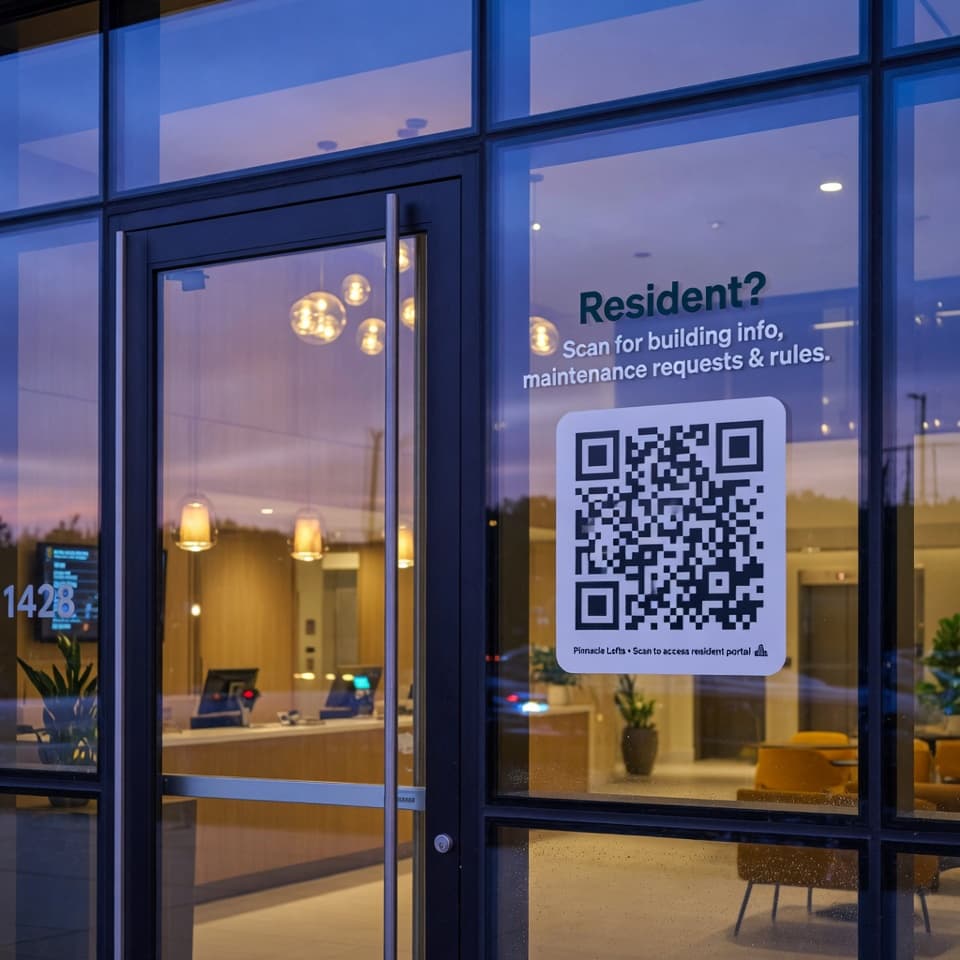
Print → stick inthe lobby
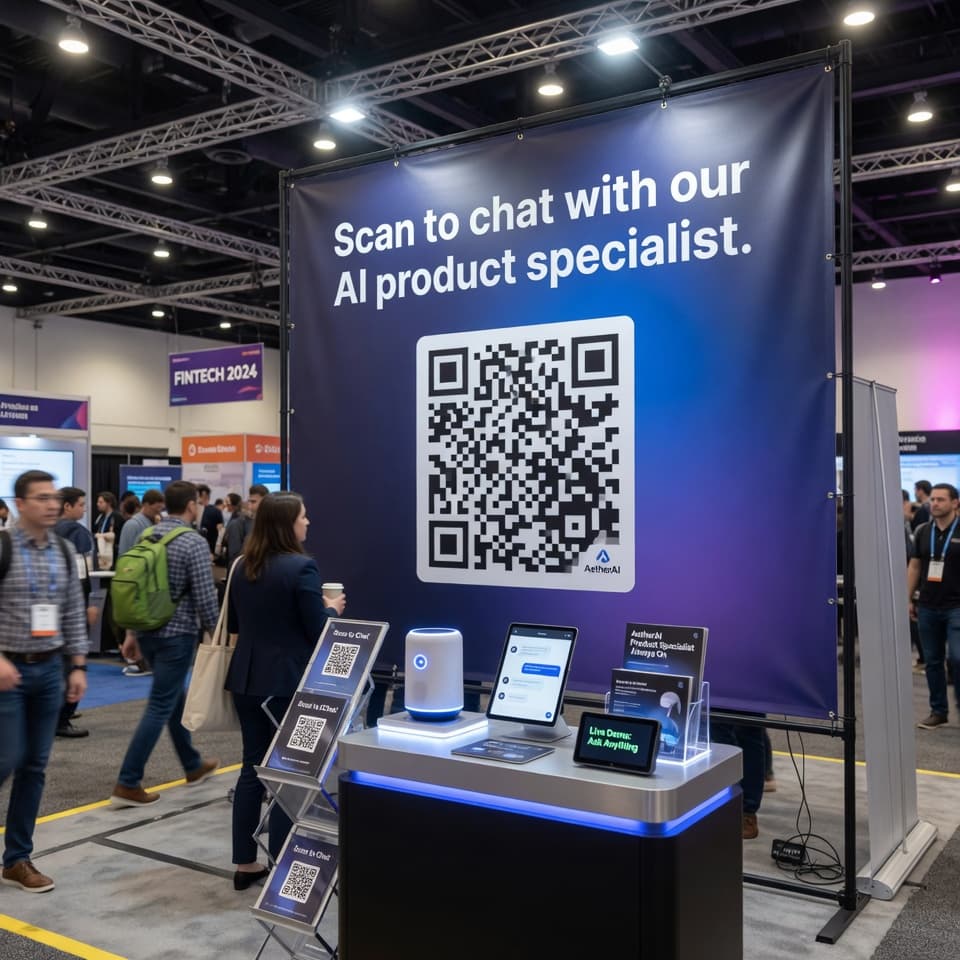
Trade show booth with QR code
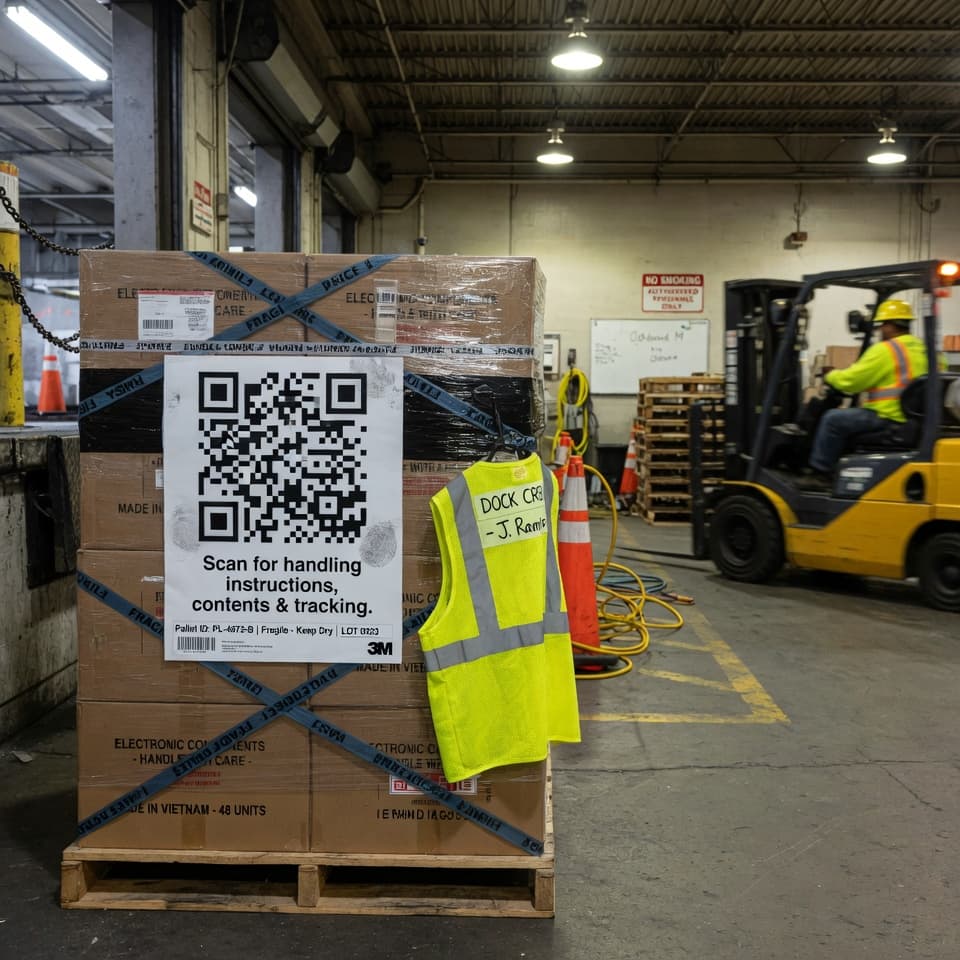
Warehouse pallet with QR code
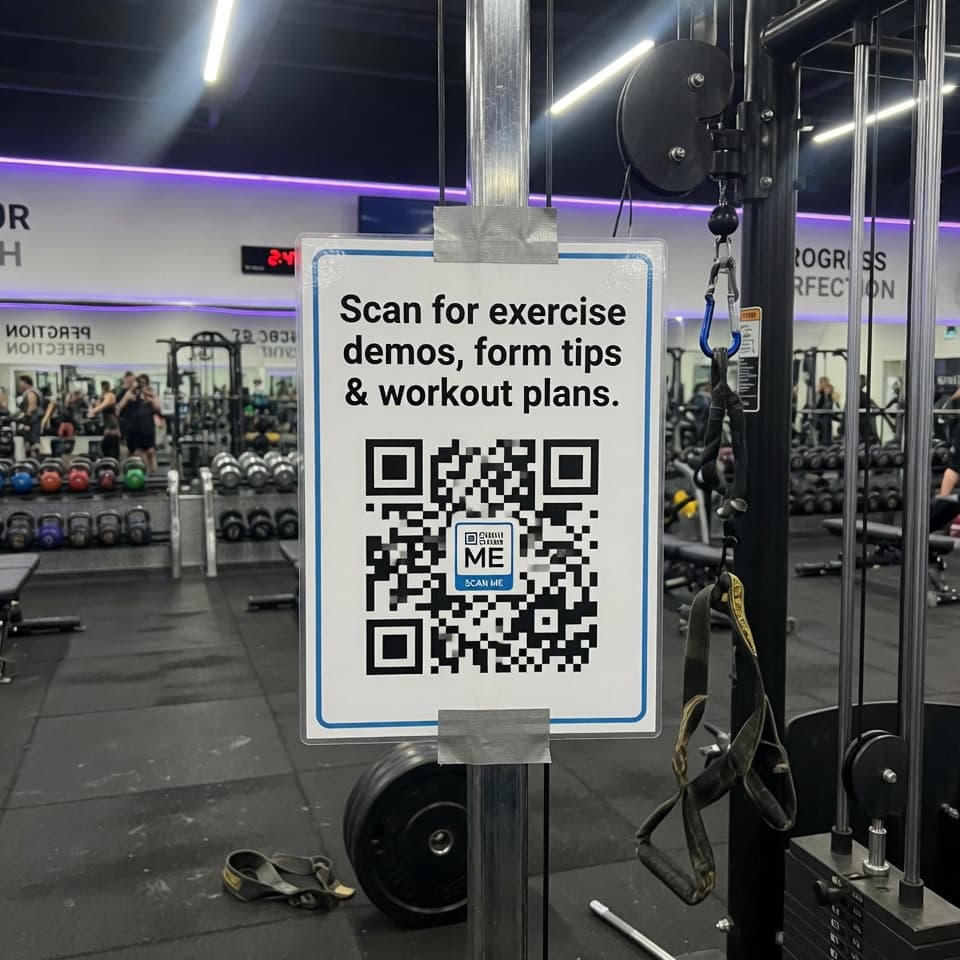
Gym equipment with QR code
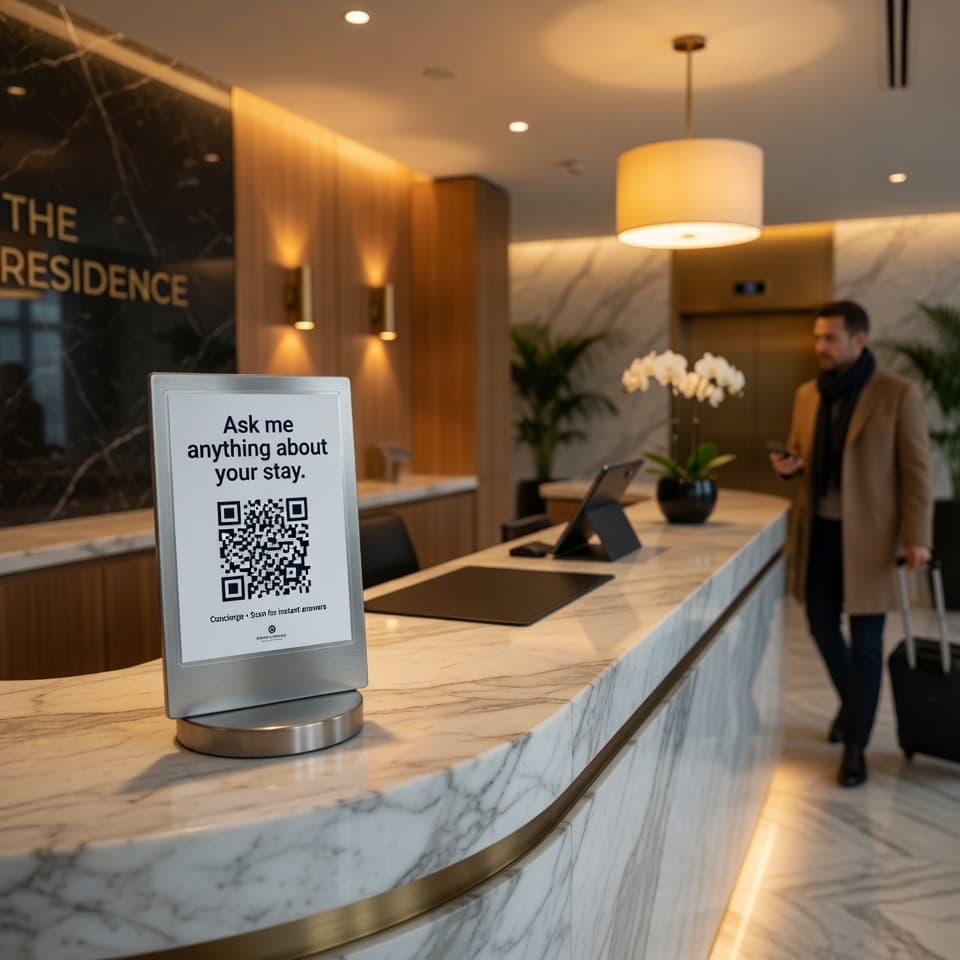
Hotel front desk with QR code
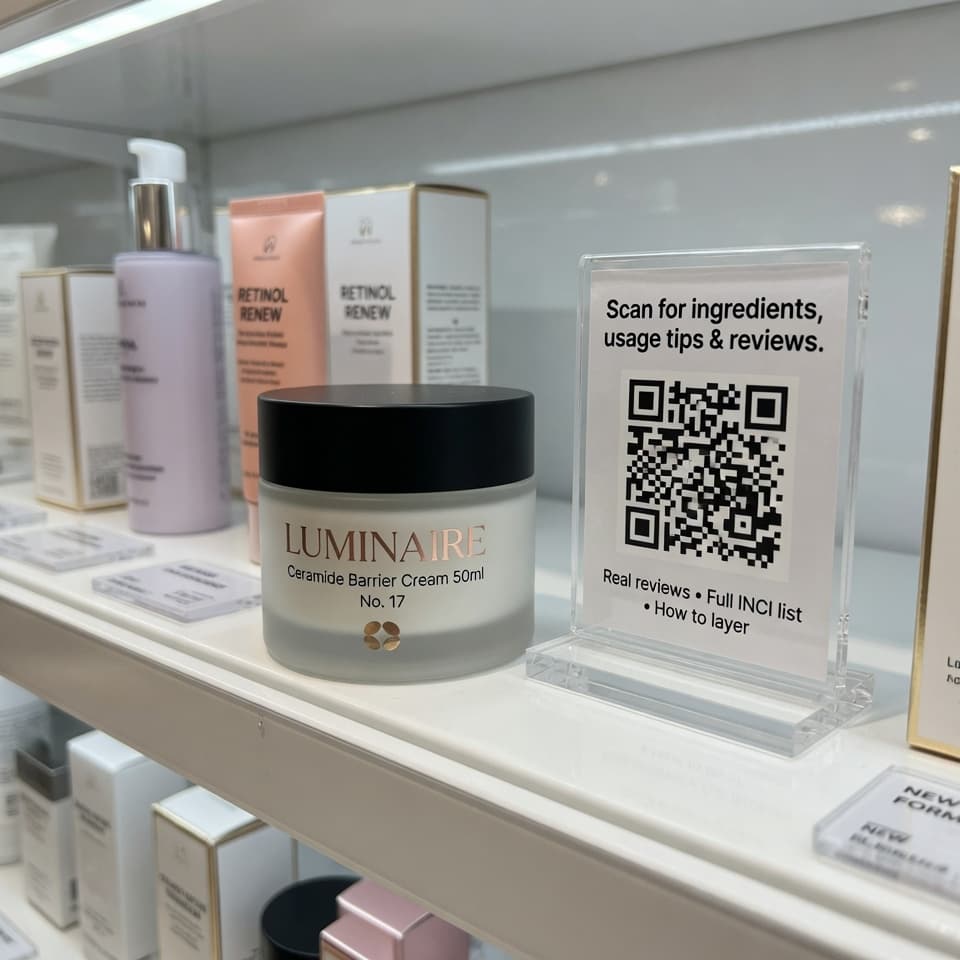
Retail shelf with QR code
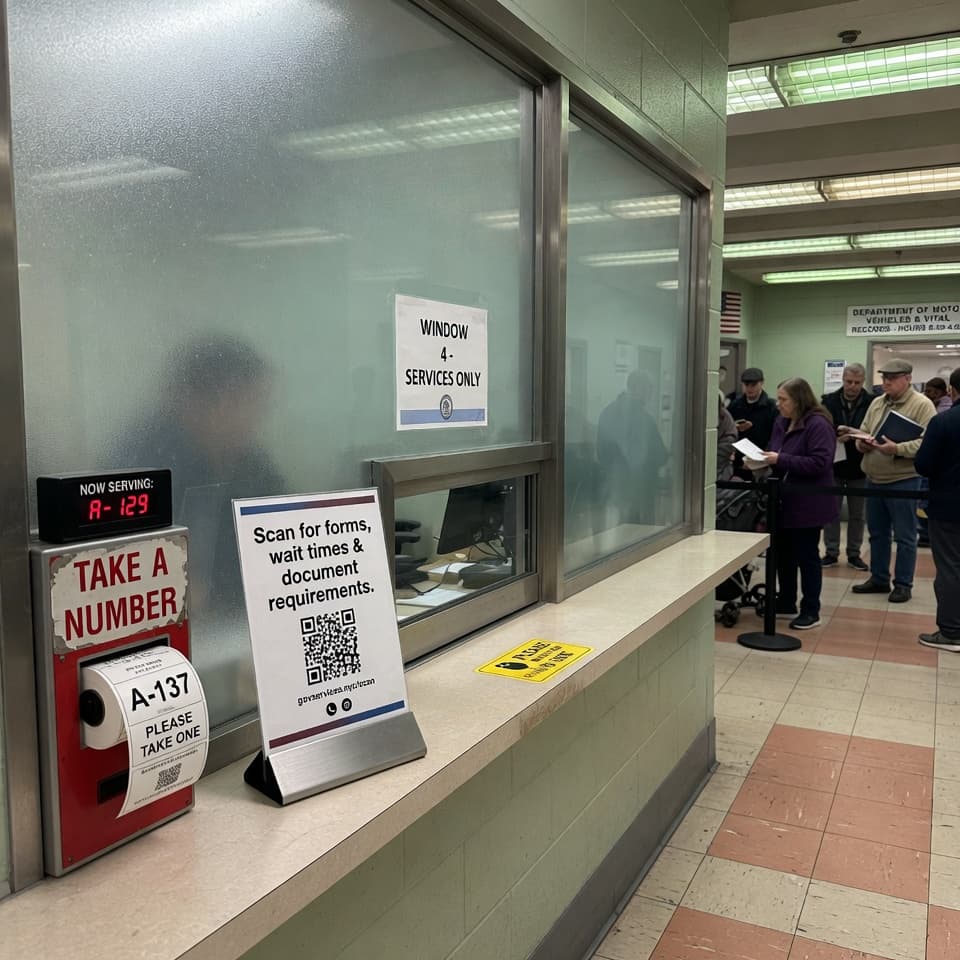
Government service counter with QR code
Trade show booth with QR code
Warehouse pallet with QR code
Gym equipment with QR code
Hotel front desk with QR code
Retail shelf with QR code
Government service counter with QR code
Property Management
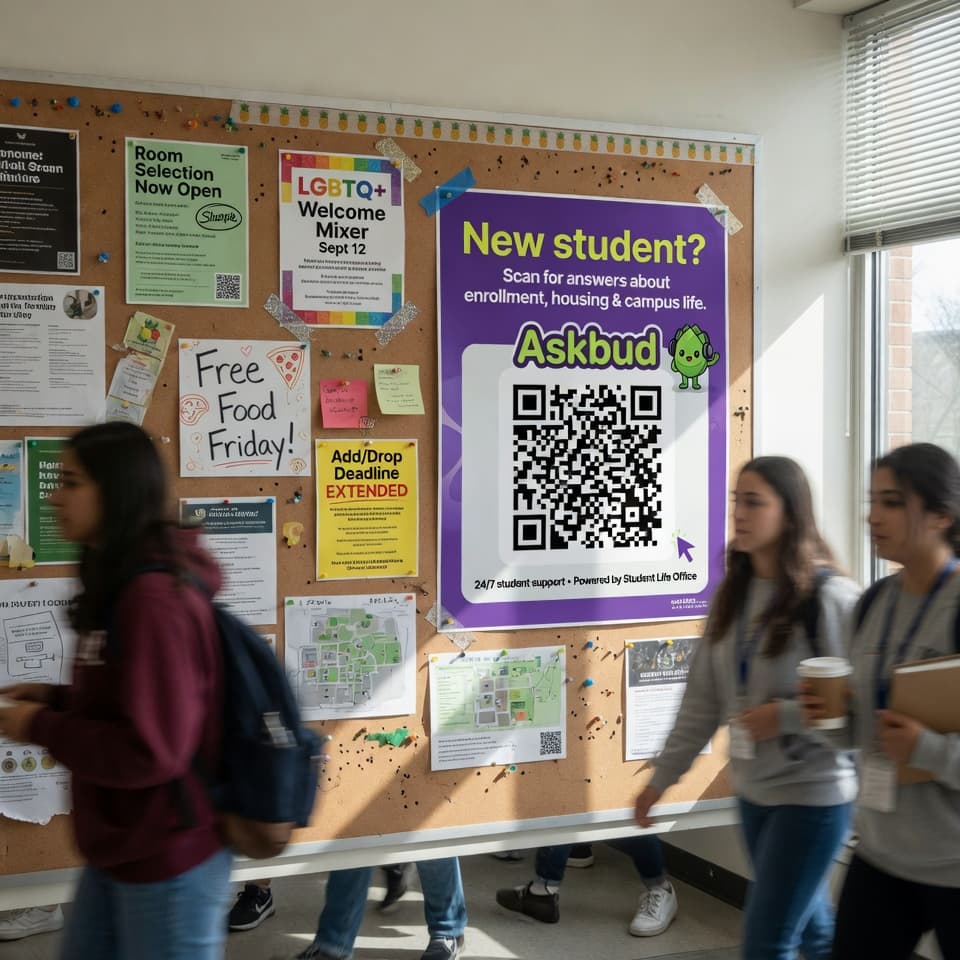
Education
Retail
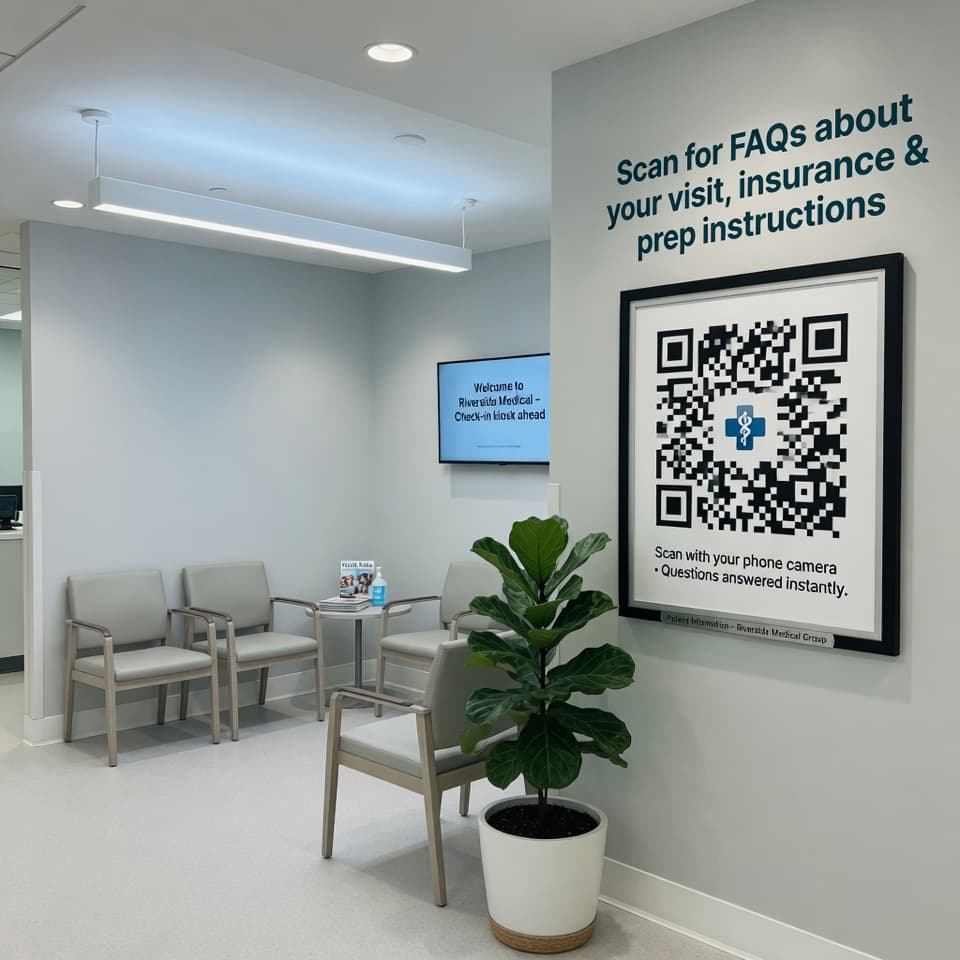
Clinics & Practices
Hospitality
Real Estate
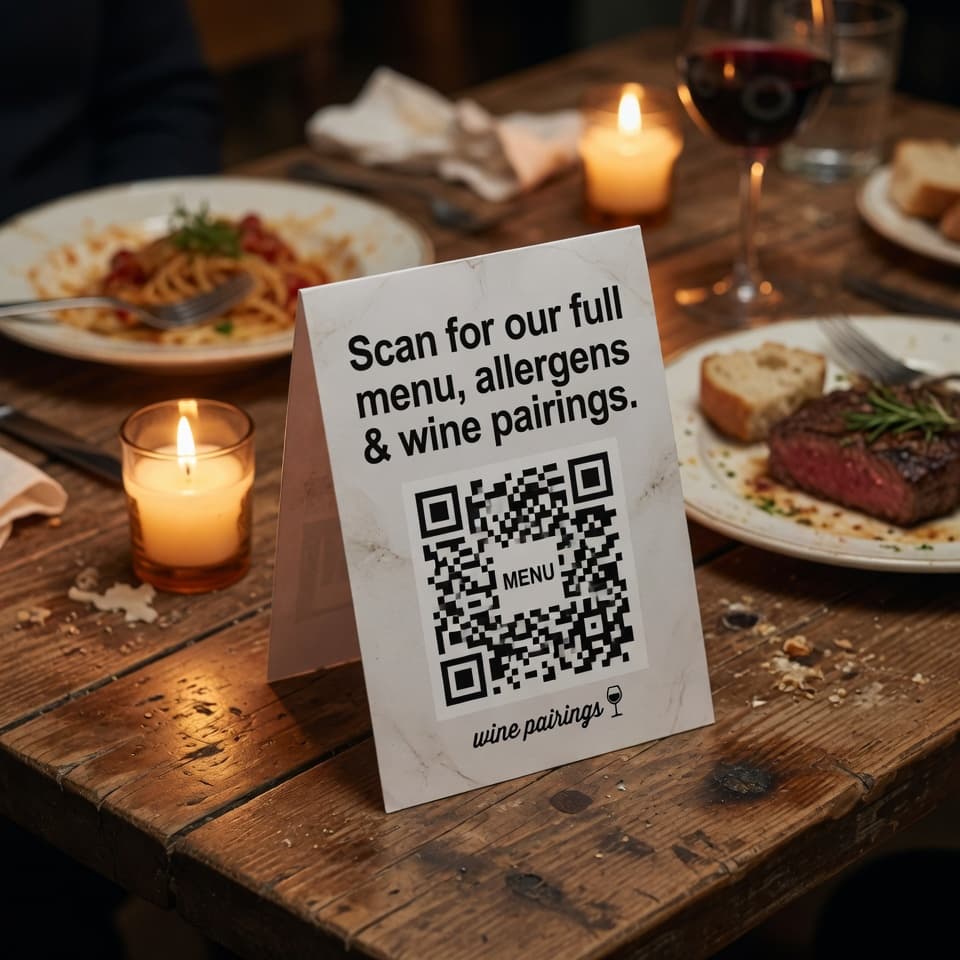
Restaurants
Trades & Services
Property Management
Education
Retail
Clinics & Practices
Hospitality
Real Estate
Restaurants
Trades & Services
Property Management
Education
Retail
Clinics & Practices
Hospitality
Real Estate
Restaurants
Trades & Services
02/The Problem

Your best answers
live where your
customers can’t reach them.

Your team has the answers. They’re in your training docs, your FAQ pages, your standard operating procedures, the heads of your most senior staff.

But your customer isn’t at their laptop. They’re standing in your lobby. Holding your product. Looking at your sign. Sitting in your waiting room.

So they do what’s easiest — they call your front desk, fire off another email, or worse, walk away.

You answer the same questions every day. Your staff get interrupted. Your customers wait. And every one of those moments is happening somewhere a website link was never going to reach.

Lobby — Tenant
Lobby · Tenant
“What time does the gym close?”
Counter — Customer
Counter · Customer
“Is this gluten-free?”
Waiting room — Patient
Waiting room · Patient
“Do I need to fast?”
Open house — Buyer
Open house · Buyer
“What’s the property tax?”
03/How it works

From your documents
to a printable QR
in under an hour.

No code. No prompt engineering. No “AI strategy” workshop. Just 3 steps to get an assistant that knows your business and lives wherever your customers do.

Source · Yours
01

Build the brain

Upload your PDFs, scrape your website, drop in YouTube or Vimeo links, or paste content straight in. Askbud reads everything, structures it, and trains an assistant that speaks in your voice and answers from your real material — not the open internet.

Step 01 of 03
Surface · Anywhere
02

Print the QR. Embed the widget. Or both.

Generate branded QR codes for your lobby, packaging, signage, or printed materials. Drop the embed code on your website. Share the standalone link. Same assistant, every surface — anywhere a customer might be standing.

Step 02 of 03
Loop · Closed
03

Get answers out. Get insights back.

Customers get accurate answers, with citations to the exact page in your source documents. You get a feed of every question asked, what your assistant couldn’t answer, which products got recommended, and which physical locations are driving the most scans.

Step 03 of 03
04/Trust mechanics

Putting AI on a sign is
a trust ask.
Here’s how we earn it.

Generic chatbots make things up, then quietly link to a hallucinated PDF. That’s fine for a personal experiment. It’s not okay when the answer is going to a tenant, a patient, or a parent.

TRUST.01Verified
100%
Cited responses

Every answer cites the source

Responses come with clickable citations that jump straight to the page in the document where the answer lives. Customers verify in one tap. You audit in seconds. No more scrolling 200-page PDFs to figure out where a chatbot got something.

Audit · Live· · ·
TRUST.02Verified
0–100
Confidence score

It scores its own confidence — and shows you

Before responding, every answer is rated 0–100 on how well the source material actually supported it. Low-confidence answers get flagged. High-confidence ones get delivered. You see the score, the reasoning chain, and why each source was chosen.

Audit · Live· · ·
TRUST.03Verified
Zero
Hallucinations shipped

It says "I don’t know" when it should

Ask Askbud something outside its knowledge base and it won’t guess. It tells the customer it doesn’t know, offers to escalate to a support ticket, and adds the question to your "knowledge gaps" report so you can fix it.

Audit · Live· · ·
05/Distribution surfaces

One assistant. Every place
your customer
might be standing.

You only build the brain once. Then you choose how it shows up — including the channels that don’t live in a browser tab.

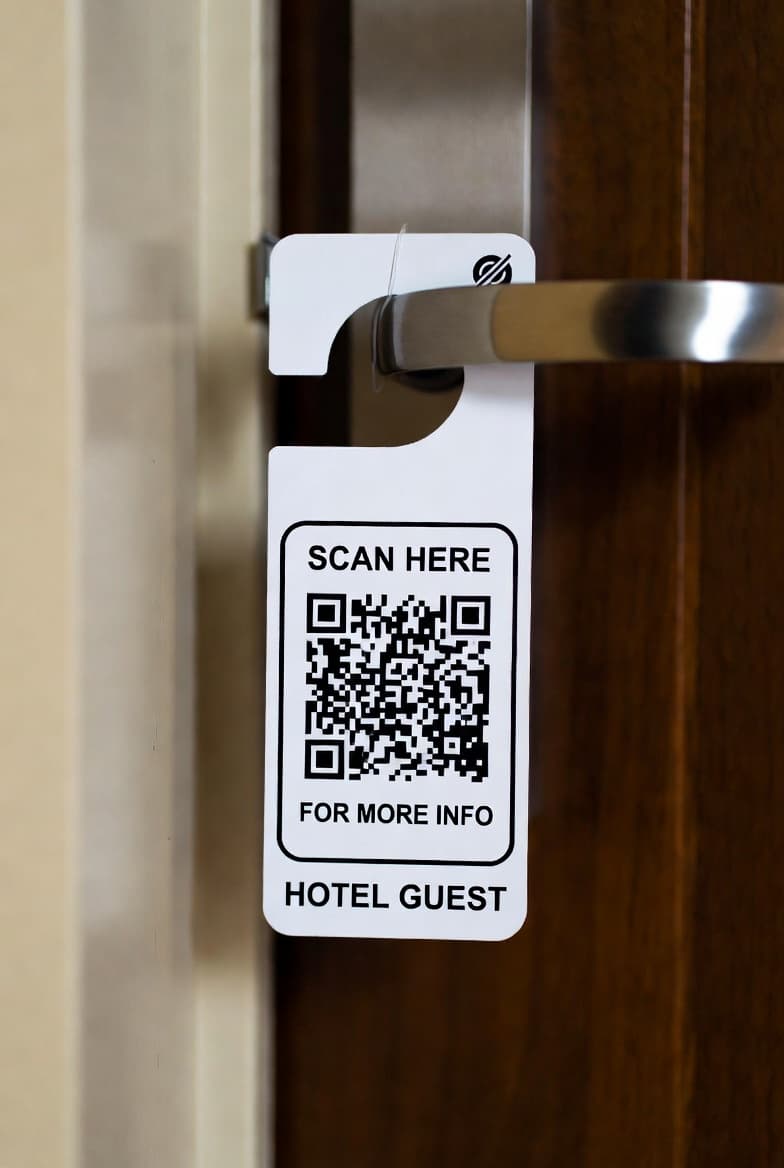
QR code on a door
Surface 01 / Featured
QR.SVG
QR Code

For everywhere a screen isn’t.

Generate branded QR codes for posters, packaging, lobbies, menus, signage, manuals, and printed handouts. Each scan opens your assistant on the customer’s phone — no app, no login, no friction. Track scans by location, time, and source. Update the destination anytime without reprinting.

Scans tracked
GPS
Location data
Live
Editable destination
Surface 02WIDGET.JS

Website Widget

A chat button that knows your business.

Drop one line of code on your site. A floating button expands into a full assistant — answering questions, recommending products, opening tickets — without sending visitors to a separate page.

Surface 03IFRAME.HTML

iFrame Embed

A full assistant, built into your layout.

Embed the entire chat experience inside any page on your site or internal portal. Useful for help centers, product pages, and member-only dashboards.

Surface 04PAGE.URL

Standalone Page

A shareable URL with no setup.

Every assistant gets its own public landing page on a custom subdomain. Share it in emails, signatures, social bios, or anywhere a link works. Great for one-off campaigns or focused product launches.

Surface 05API.JSON

REST API

Plug it into anything.

Programmatic access to assistants, conversations, and chat — for custom apps, kiosks, voice systems, or whatever physical or digital experience you’re building.

06/After the scan

A scan is the
start of the conversation,
not the end of it.

Most chatbots stop at “here’s your answer.” Askbud assistants are wired to do more — recommend, escalate, and report back.

01
OUTPUT.01→ Conversion

Turn answers into recommendations

Build a product or service catalog per assistant. When a question is relevant, your assistant surfaces the right product, with an image, a description, and a clear call-to-action that links wherever you want — your storefront, a booking page, a partner site. Track impressions, clicks, and which conversations are actually converting.

02
OUTPUT.02→ Resolution

Escalate without losing the thread

When a question needs a human, customers open a support ticket from inside the chat. The full conversation comes with it. Your team picks it up in a shared inbox, replies, assigns, prioritizes — and Askbud can even draft a knowledge-base article from the resolution so the next customer never has to ask.

03
OUTPUT.03→ Intelligence

See what your customers are actually asking

Pick any date range and Askbud generates an insights report: top themes, most-asked questions, conversations the assistant couldn’t answer, and the topics your knowledge base is missing. Every scan, click, and chat becomes feedback you can act on.

07/Built for

Wherever your customers stand,
your business can answer.

Askbud shines when there’s a physical surface, a printed document, or a public-facing space your customers walk through.

Education
EDUPosted

Education

QR codes on campus signage, prospectuses, brochures, and admissions materials. Prospective students get program details, application deadlines, and tuition info on the spot. Your admissions team gets to focus on the conversations that actually need a human.

Tour-takers arrive with the right questions, not the basic ones.
Retail & Hospitality
RETAILPosted

Retail & Hospitality

QR codes on packaging, menus, in-store displays, and receipts. Customers get product specs, allergen info, care instructions, and tailored recommendations — at the moment they’re holding the product. Conversations turn into clicks, repeat purchases, and reviews.

Allergen questions stopped pulling staff off the floor.
Clinics & Practices
CLINICPosted

Clinics & Practices

QR codes in waiting rooms, on patient handouts, and in post-visit summaries. Patients get answers about prep instructions, insurance, hours, and follow-up care without tying up the front desk. Staff handle fewer phone calls. Patients leave better informed.

Patients show up prepared. Front desk got their afternoons back.
Hotels & Venues
HOTELPosted

Hotels & Venues

QR codes at the front desk, in guest rooms, on event signage, and inside welcome packets. Guests get instant answers about check-in, Wi-Fi, room service, local recommendations, and house rules — without queuing at reception.

The morning queue at reception just disappeared.
Real Estate
REAL-ESTPosted

Real Estate

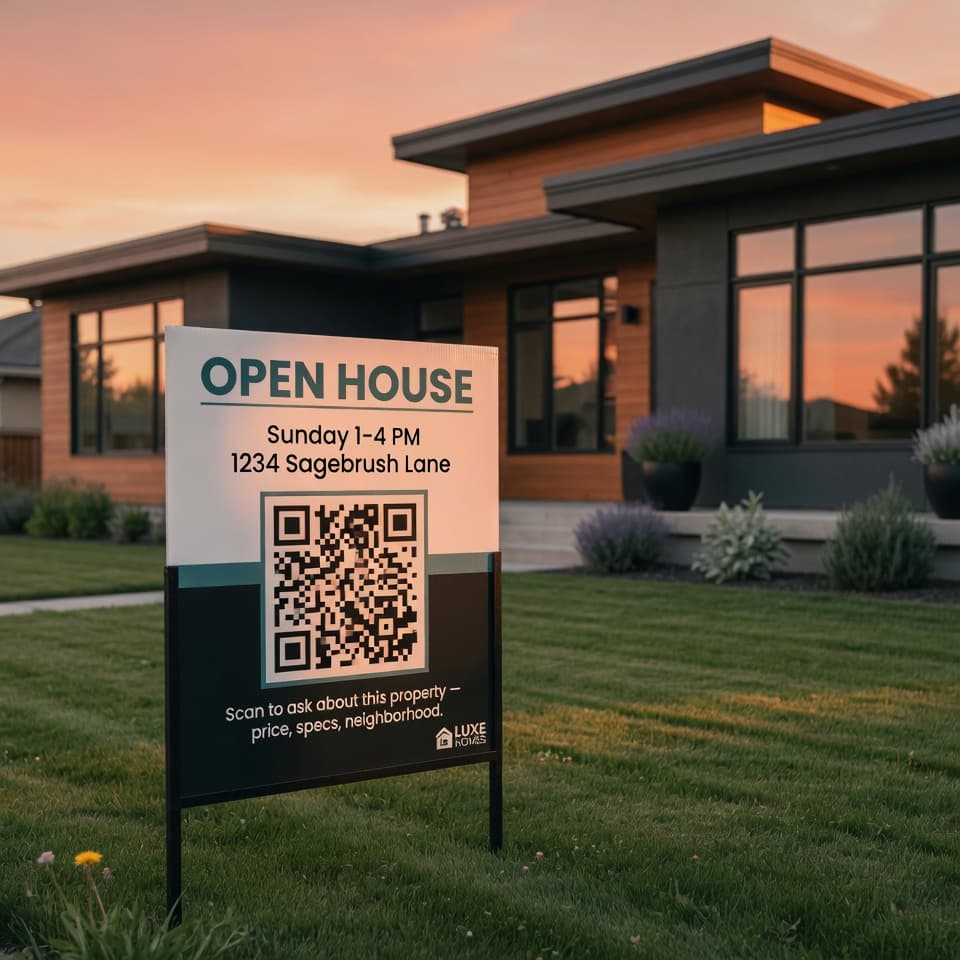
QR codes on yard signs, open house flyers, and listing brochures. Buyers scan for property specs, tax history, neighborhood data, and scheduling — right from the sidewalk. Agents spend less time on repetitive inquiries and more time closing.

Drive-bys actually turn into showings now.
Government & Public Services
GOVTPosted

Government & Public Services

QR codes at service counters, permit offices, and public notice boards. Citizens get answers about forms, wait times, document requirements, and office hours — reducing queues and freeing staff for complex cases.

Wait times dropped before we hired anyone new.
Fitness & Wellness
FITNESSPosted

Fitness & Wellness

QR codes on equipment, studio doors, and member welcome kits. Members scan for exercise demos, form tips, class schedules, and membership details — without flagging down a trainer mid-set.

Trainers actually get to train again.
Logistics & Warehousing
LOGISTICSPosted

Logistics & Warehousing

QR codes on pallets, dock doors, and equipment stations. Staff and delivery partners scan for handling instructions, contents manifests, and tracking info — reducing errors and calls to dispatch.

Dispatch calls fell off a cliff in week one.
Retail Merchandising
MERCHPosted

Retail Merchandising

QR codes on shelf tags, product displays, and end-caps. Shoppers scan for ingredients, reviews, comparisons, and care instructions — turning browsing into confident buying decisions without needing a sales associate.

Shoppers stopped Googling our products mid-aisle.
08/Pricing

One plan.
Everything included.

Pay per assistant. Add as many as you need. No hidden fees, no feature gates.

Starting atMonthly
$59/mo per assistant

Create as many assistants as your business needs. Each one gets its own knowledge base, branding, QR codes, and analytics.

Unlimited assistants
QR codes, widget & embed
Product recommendations
Support ticket escalation
Analytics & insights reports
Multilingual responses
Custom branding
Knowledge base management
Start free demo
VolumeCustom
Need more?

Running a larger operation with higher message volumes or multiple teams? We offer custom pricing that scales with your usage.

  • Higher message limits
  • Dedicated support
  • Custom integrations
09/Field questions

Questions we
get a lot.

  • It won’t make things up. Every response is built only from your knowledge base, scored for confidence, and tied to a source citation. If the assistant doesn’t have a confident answer, it says so and offers to open a support ticket — instead of guessing.